

Features / Invoices & Quotes
Send the invoice. See what happens next.
Create invoices and quotes, send them from the platform, track what is outstanding, and match payments back to the right record. The sales work stays connected to your books and cash position.
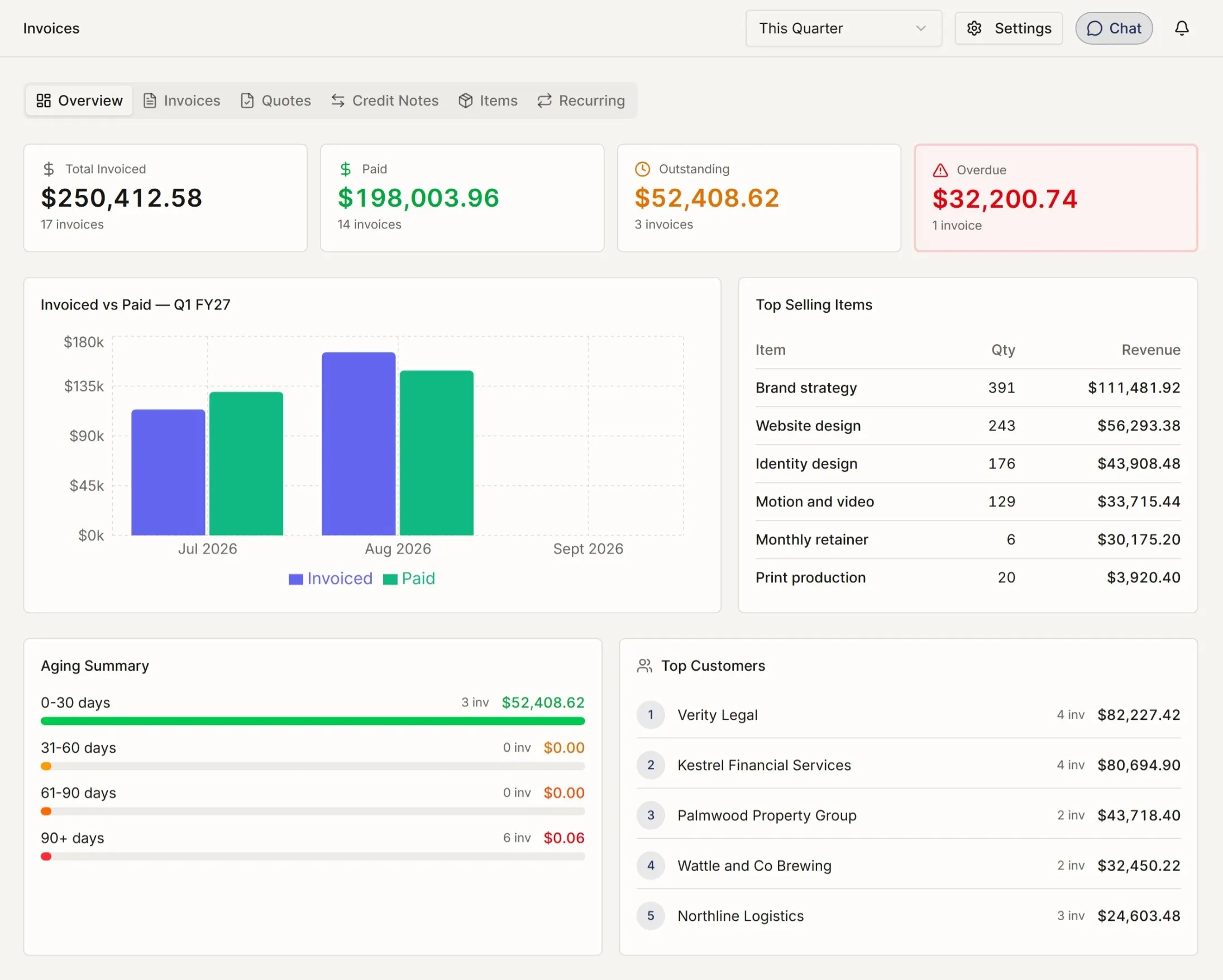
Features · Invoices & Quotes
Overview
By what you hold
People and pay
Meeting the ATO
Asking for help
For accountants
From quote to paid invoice.
Create and send from one place.
Use saved terms, line items, GST treatment, and numbering. Send the invoice by email from the platform, with the record already connected to the books.
Convert quotes without rebuilding them.
When a quote is accepted, convert it to an invoice with the same line items and GST treatment. The quote and invoice stay linked.
Keep outstanding money visible.
See which invoices are unpaid, how long they have been outstanding, and which customers may need follow-up.
What else invoices and quotes can handle.
-
Reusable templates — Logos, terms, default line items, and branded headers set up once.
-
Automatic numbering — Sequential numbering per company.
-
Recurring invoicing — Set a regular invoice schedule, then review before sending.
-
Credit notes — Issue a credit against an invoice, with the accounting linked to the same record.
-
GST treatment — Per-line GST handling, with totals ready for BAS preparation.
-
Multiple tax codes — GST-free, input-taxed, and other treatments handled at line level.
-
Payment matching — Bank transactions that look like invoice payments can be suggested for matching.
-
Attachments — Attach PDFs, photos, or supporting documents to any invoice.
The reports that come with it.
-
Aged Receivables — Outstanding invoices grouped by days overdue.
-
Sales by customer — Who has paid you what, over any period.
-
Sales by item — Which products or services are carrying the revenue.
Understand the rest of the picture.
Every feature follows the same principle: show what matters, keep the detail available, and make the next step clear. Browse the full Features library to see how the product fits together.